

-
Connectivity 7
-
User Manual 16
-
General Question 6
-
System 7
-
Music & Streaming 7
-
General Guide 14
-
Hardware & Software Settings 7
Eversolo Streamers 24-hour Format Setting Tutorial

This tutorial applies to A6 and A8, here we use A6 as an example.
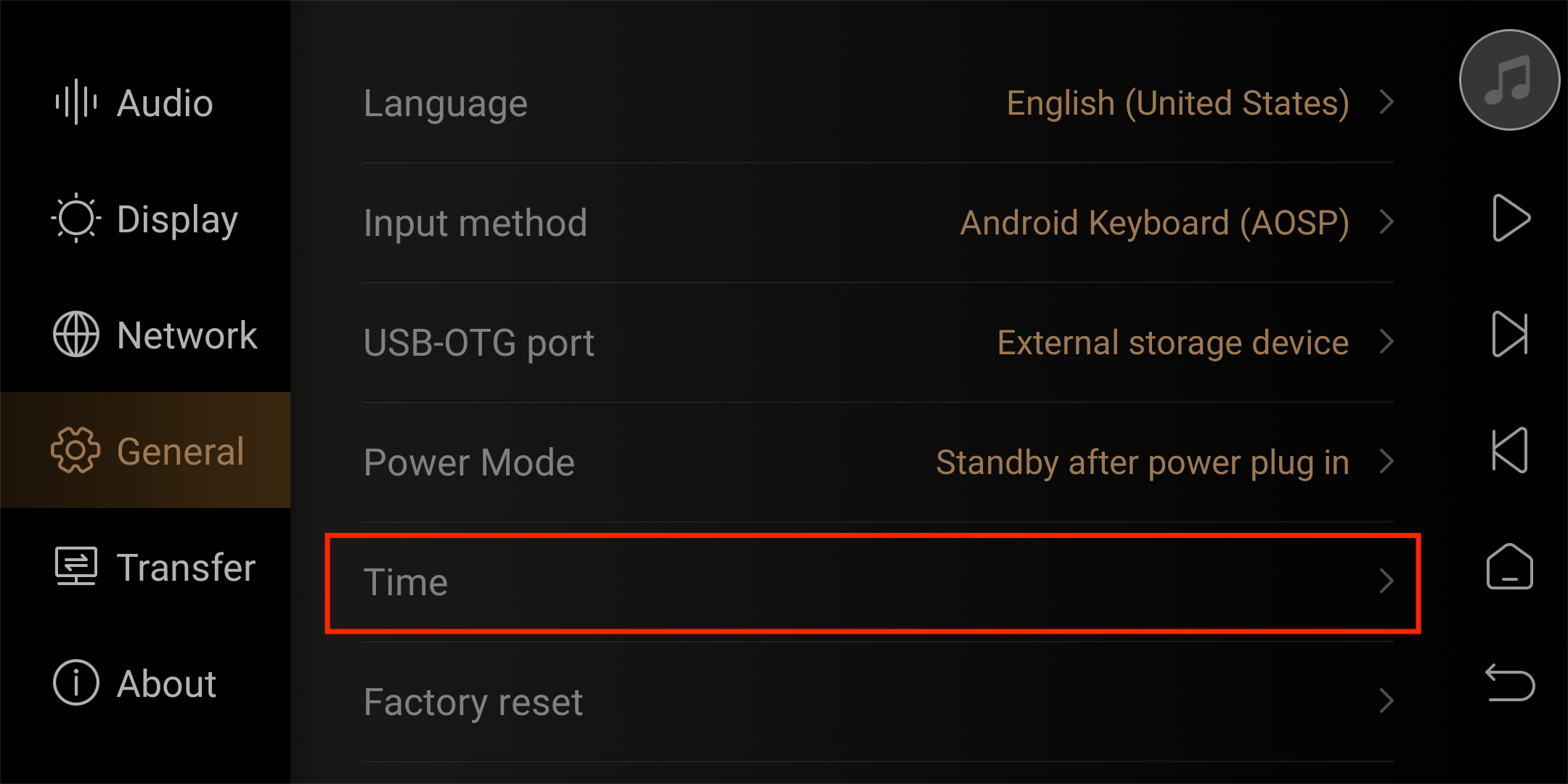
1. Go“Settings”-“General”- ”Time” from the main interface of DMP-A6.
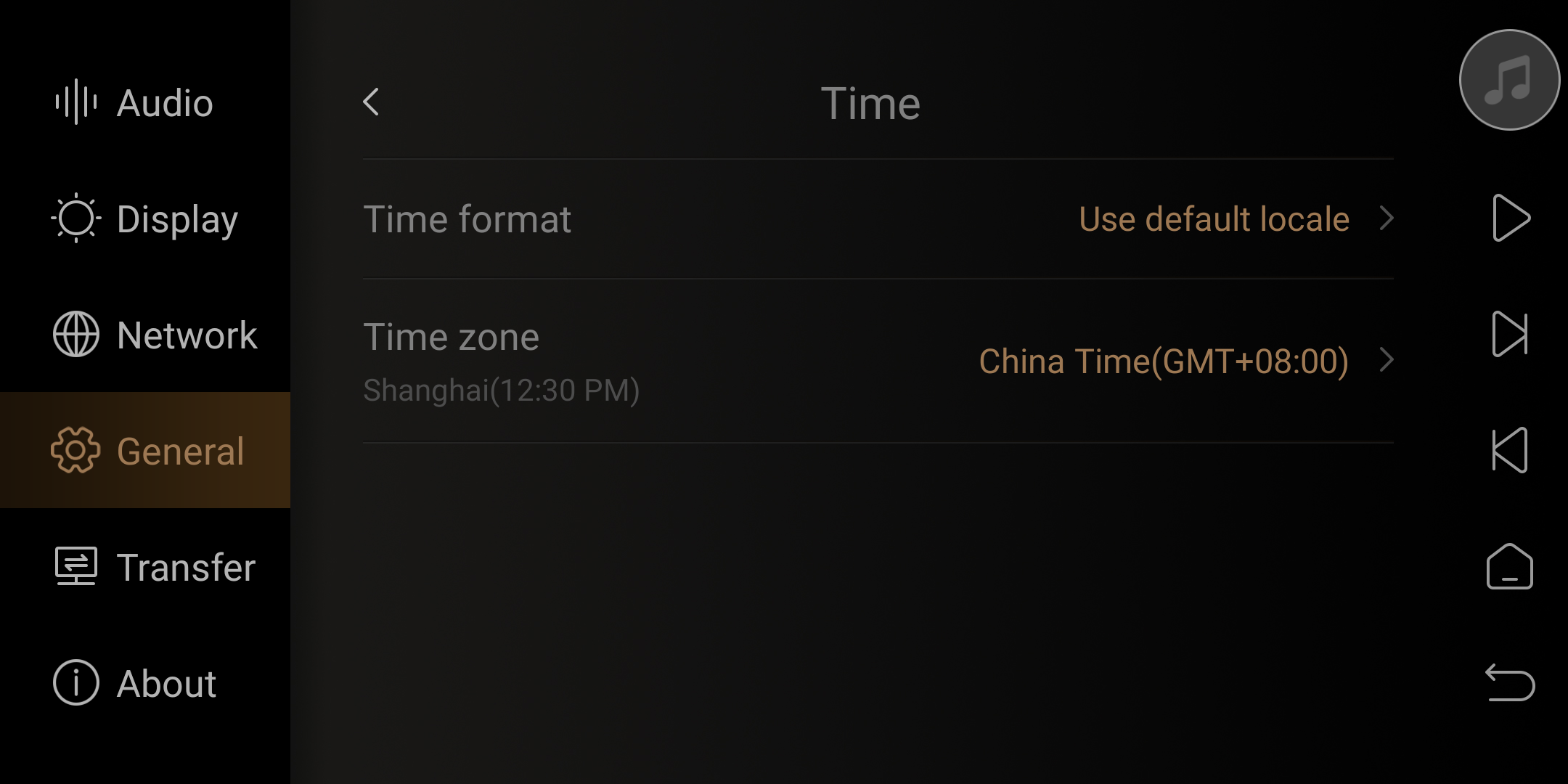
2. Set the option to“24-hour”format in “Time format”menu.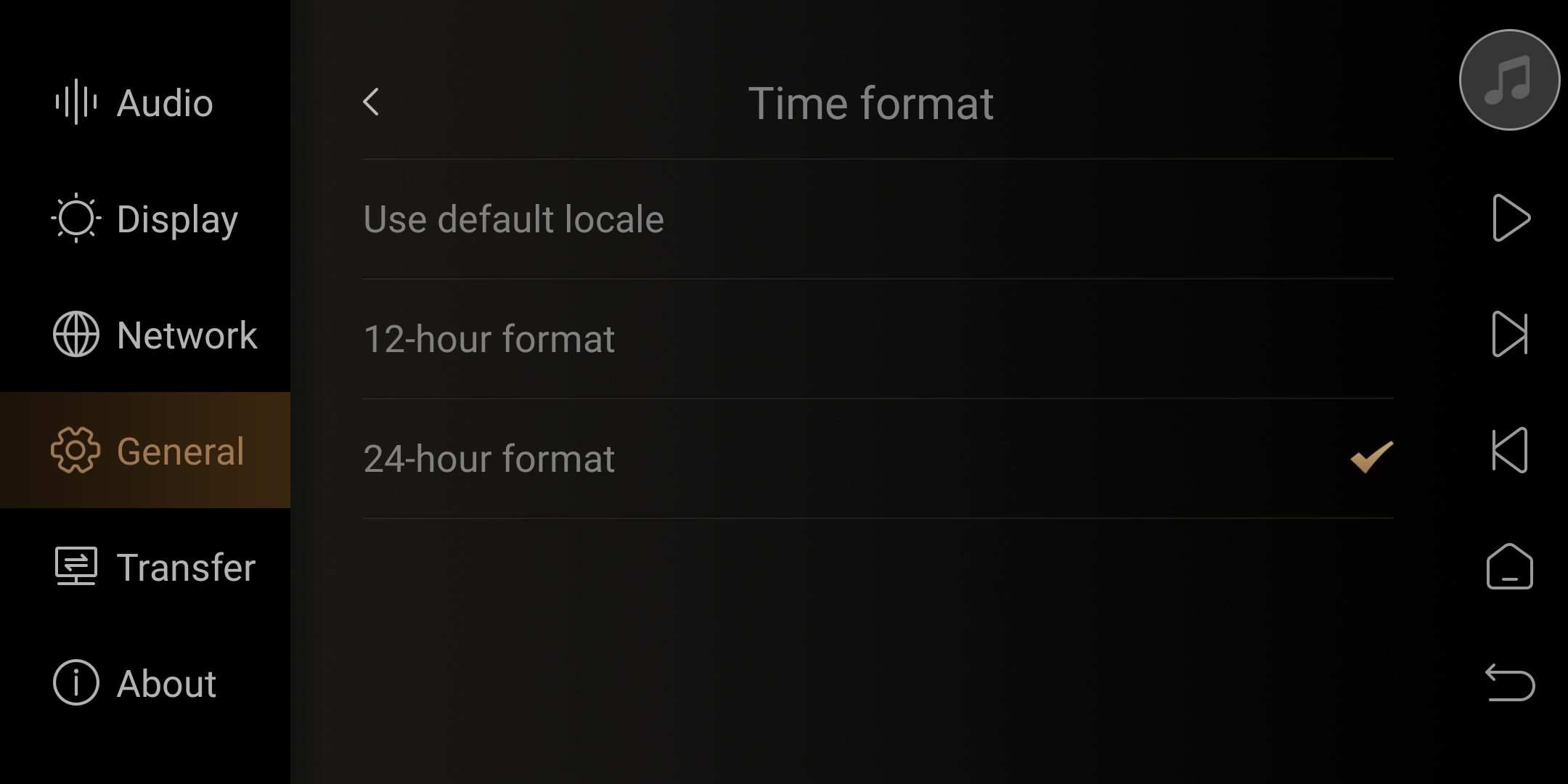
3. Time zone sub-options can be set for each country's time zone.
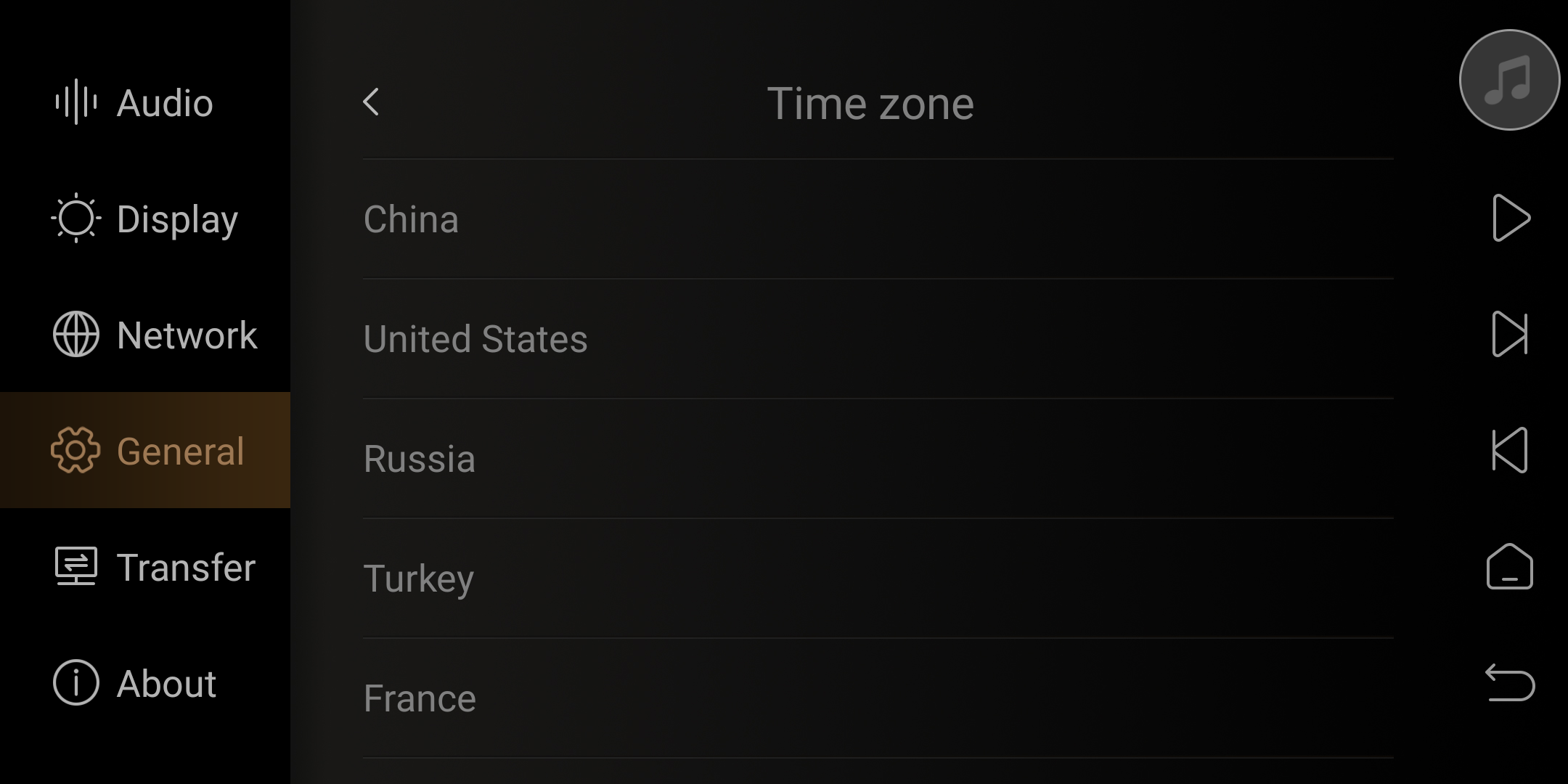
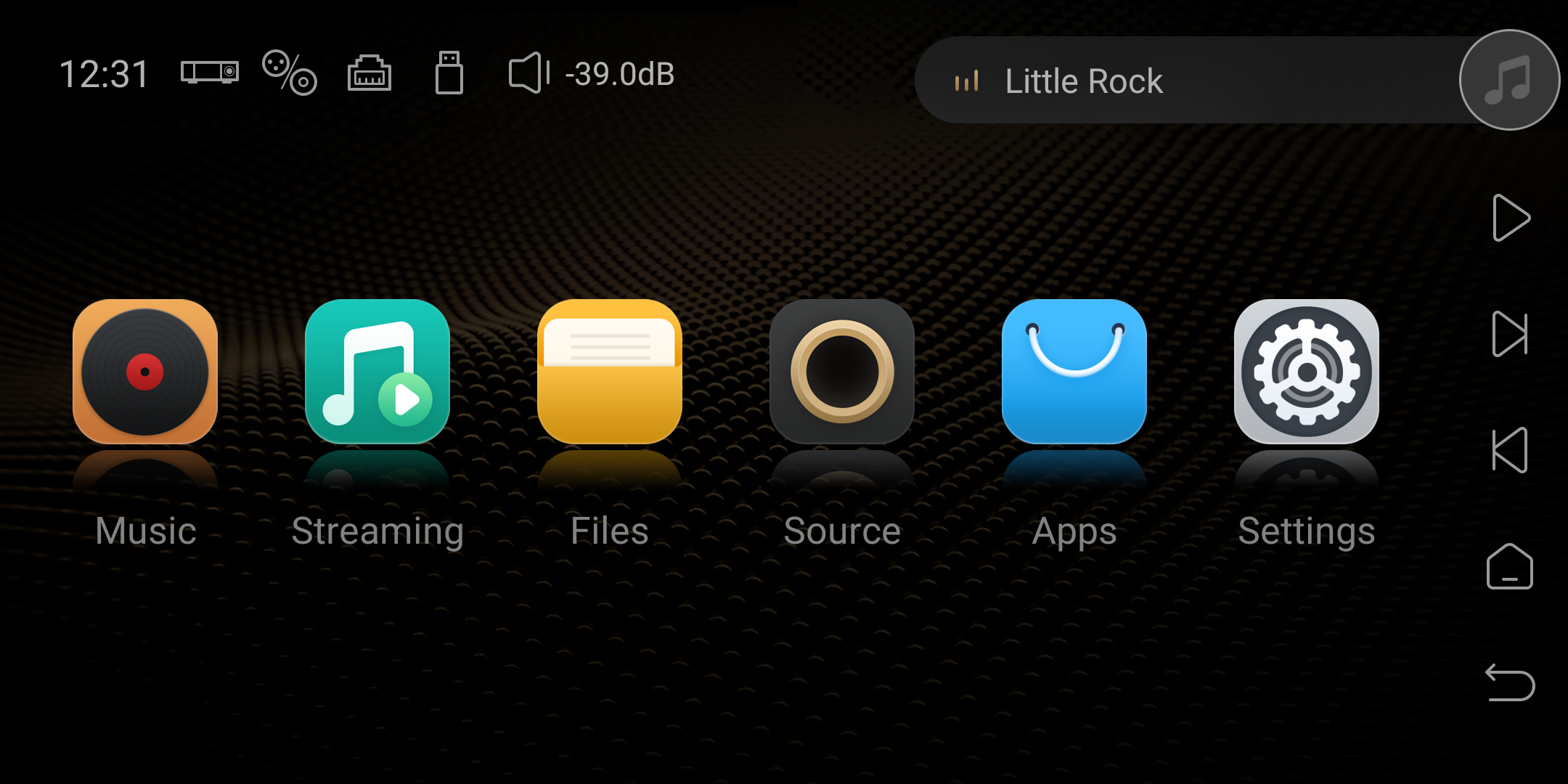
4. Set up is complete, return to the main interface. The time has been switched to the 24-hour format.


esc
